Sheetz Gift Cards 2026: Complete Guide to Buying, Balance Check & Using Your Z-Card
If you have a Sheetz fan in your life, you already know that picking the right gift can feel impossible. They love the Made-To-Order subs, the Sheetz Bros. Coffeez, and those 2 AM road-trip stops for shnuggetz. So why not give them the freedom to choose?
That is exactly what the Sheetz Z-Card® is for. It works for fuel, food, drinks, snacks, and even car washes at over 720 Sheetz locations. In this 2026 guide, you will learn everything about Sheetz gift cards — where to buy them, how to check your balance, what you can spend them on, and the small tricks that save you from common headaches like gas pump rejections.
Let’s dive in!
What Is a Sheetz Gift Card?
A Sheetz gift card, officially called the Z-Card®, is a prepaid card that works at any participating Sheetz location across Pennsylvania, Maryland, Virginia, West Virginia, Ohio, North Carolina, and now Michigan.
It is a closed-loop card, meaning it only works at Sheetz — you cannot use it at other gas stations or retailers. But within the Sheetz ecosystem, it is one of the most flexible gift cards around. You can use it for almost anything sold in-store, including fuel.
The best part? Z-Cards never expire, and there are no maintenance or dormancy fees, so your money stays on the card until you spend it.
Types of Sheetz Gift Cards
Sheetz offers three main types of gift cards to fit different needs. Here is a quick breakdown:
1. Physical Z-Card
The classic plastic gift card you can hand someone in person. Available at any of the 720+ Sheetz locations. Most physical Z-Cards are reloadable, so you can add more funds whenever you want.
2. Digital eGift Card
Perfect for last-minute gifts. Sent via email within minutes of purchase. The recipient can use it right away by either printing it out or scanning the barcode on their phone at the register. You can also load it into the official Sheetz mobile app.
3. Bulk & Corporate Gift Cards
For business owners, fleet operators, or anyone running employee incentive programs. Sheetz offers bulk ordering through corporate partners, with orders going up to $10,000 or more. Great for holiday bonuses, fleet fuel programs, or customer rewards.
Where to Buy Sheetz Gift Cards in 2026?
You have more options than ever to grab a Z-Card. Here are the main places:
In-Store Purchase
Walk into any Sheetz location and ask the cashier. You can load anywhere from $5 to $500 on a card and pay with cash, debit, or credit. This is the fastest way to get one.
Official Sheetz Online Portal
Visit sheetz.thegiftcardshop.com, the official Sheetz partner store for online gift card purchases. You can buy both physical cards (shipped to the recipient) and digital eGift cards (sent by email).
Sheetz Mobile App
The official Sheetz app lets you buy, send, and store digital gift cards directly on your phone. Once loaded, you can pay with one scan at the register.
Third-Party Retailers
Trusted platforms also sell Sheetz gift cards, sometimes with extras:
- GiftCardGranny — sells standard Sheetz cards, occasionally offers cashback.
- Fluz — offers 2% instant cashback on Sheetz eGift cards.
- PerfectGift — great for bulk orders over $10,000.
Security Note: Stick to the official portal or well-known platforms. Avoid sketchy resale sites that promise huge discounts — these are often scams selling drained cards.
Sheetz Gift Card Denominations & Limits
The Z-Card is flexible when it comes to loading amounts. Here is what you need to know:
| Card Type | Minimum Load | Maximum Load | Reloadable? |
|---|---|---|---|
| Physical Z-Card | $5 | $500 | Yes |
| Digital eGift Card | $5 | $500 | No (buy new) |
| Bulk/Corporate Orders | Custom | $10,000+ | Varies |
To reload a physical Z-Card, just hand it to the cashier and ask them to add more funds. Pay with cash or any major card.
How to Check Your Sheetz Gift Card Balance?
Checking your Z-Card balance is quick, free, and you have four official ways to do it.
1. Check Balance Online
The most convenient method is through the official Sheetz card portal.
- Visit sheetz.myretailcard.com.
- Enter your 16-digit card number found on the back of the card.
- Enter the security PIN — scratch off the silver panel on the back of a physical card, or check your email for digital cards.
- Complete the captcha and click Check Balance.
- Your remaining funds appear instantly.
If your card does not have a PIN or scratch-off area, you will need to use the phone method or check in-store.
2. Check Balance by Phone
Driving and don’t have internet? Call the toll-free line.
- Dial: 1-888-239-2856
- Follow the automated prompts.
- Enter your card number using your phone’s keypad.
- The system will read your balance back to you.
Pro tip: Use a permanent marker to write the remaining balance directly on the back of the card so you don’t have to keep calling.
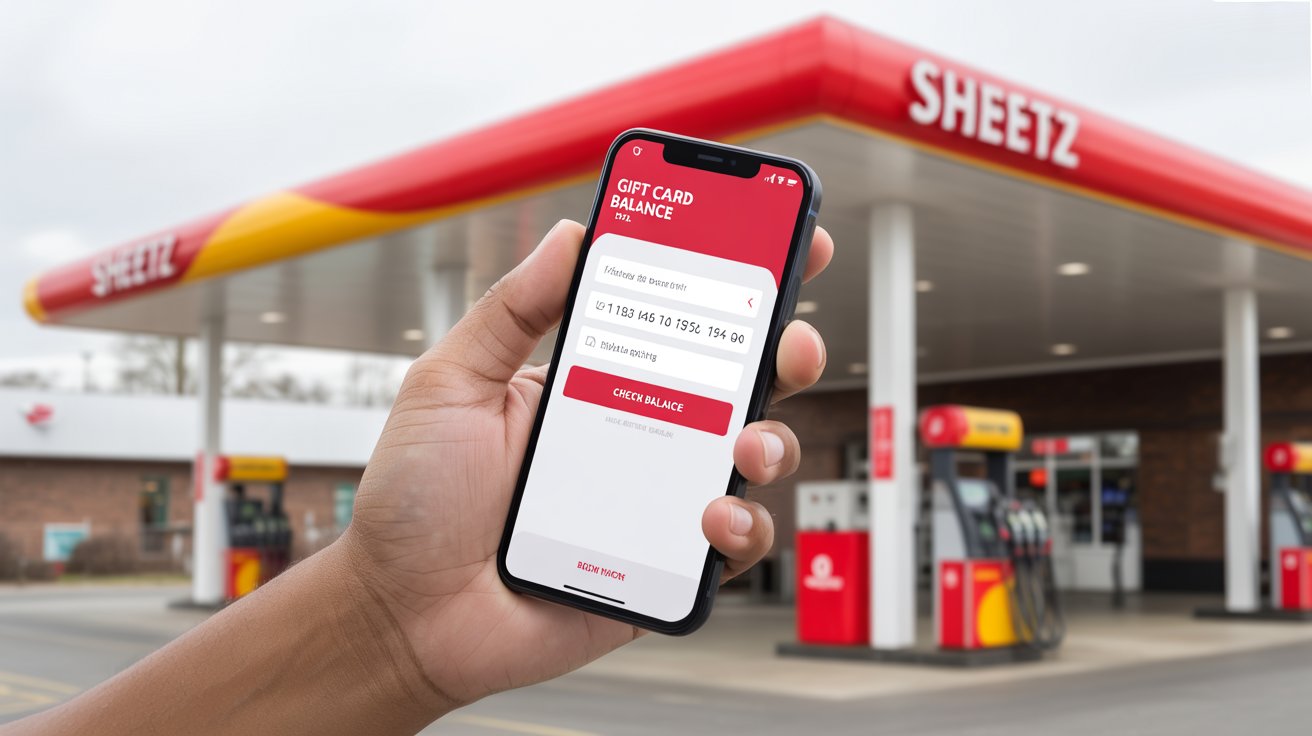
3. Check Balance in the Sheetz App
If you have loaded your gift card into the Sheetz mobile app, your balance is right on the home screen. The app updates after every purchase, so it is always current.
4. Check Balance In-Store
Walk into any Sheetz, hand your card to the cashier, and ask them to check the balance. They will swipe it and print a receipt with the remaining funds. No purchase required.
What Can You Buy with a Sheetz Gift Card?
The Z-Card is one of the most flexible gift cards in the convenience store space. Here is the full list of what it covers:
| Category | What You Can Buy |
|---|---|
| Fuel | Regular, Plus, Super, E15, E85, and Diesel |
| MTO Food | Subs, burgers, tacos, breakfast, salads |
| Drinks | Sheetz Bros. Coffeez, milkshakes, fountain drinks, energy drinks |
| Snacks | Chips, candy, desserts, pretzels |
| Convenience | Toiletries, automotive supplies, household basics |
| Services | Car washes at participating locations |
What You CANNOT Buy with a Z-Card
- Other gift cards (such as Visa, Amazon, or prepaid cards)
- Lottery tickets and money orders
- Sheetz charges or credit card payments
- Alcohol and tobacco in most states (varies by local law)
How to Use Your Sheetz Gift Card (Step-by-Step)
Using your Z-Card is straightforward, but the method changes slightly depending on what you are buying.
At the Register (Food, Snacks, Drinks)
- Place your items on the counter or finish your MTO order at the touchscreen.
- When the cashier asks for payment, hand over your Z-Card or show the barcode in the Sheetz app.
- The cashier swipes or scans it.
- If the cost is higher than your balance, you can pay the difference with cash, debit, or credit.
At the Gas Pump
Using a Z-Card at the pump is convenient, but watch out for the pre-authorisation hold (more on that below).
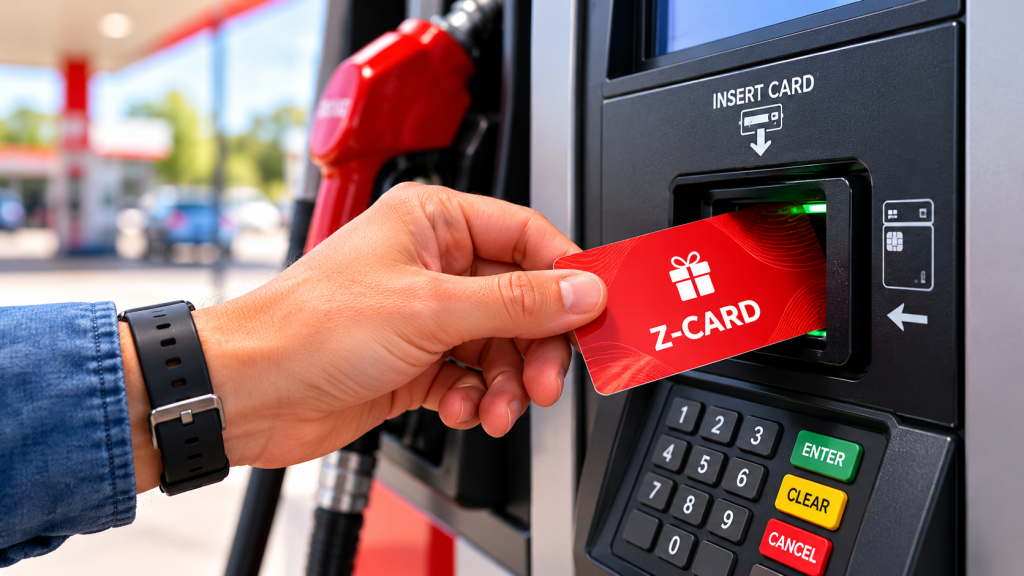
- Insert your card at the pump.
- Select your fuel grade.
- Pump as usual — the actual amount used is deducted from your balance.
In the Sheetz Mobile App
- Load your gift card into the app by entering the card number and PIN.
- At checkout (in-store), open the app and show the barcode.
- The cashier scans it, and the amount comes off your gift card balance.
Sheetz Gift Card Tips & Hidden Tricks
Most customers don’t know these tricks — they will save you time, money, and frustration.
Beware the Gas Pump Pre-Authorisation Hold
This is the #1 complaint Z-Card users have. When you swipe a gift card at the pump, the system places a pre-authorisation hold of up to $175 to confirm you have enough funds. If your card balance is lower than that, the pump may reject the card entirely.
The Fix: Pay inside. Tell the cashier, “I want to put $25 on pump 5,” hand them your card, and pump. This avoids the high authorisation and works even if your balance is low.
Load Your Card into the App
Once your Z-Card is loaded into the Sheetz mobile app, you can leave the plastic at home. Just open the app at the register and have the cashier scan the barcode. Faster, safer, and you always see your live balance.
Combine with Other Promotions
Gift cards count as a payment method, so they work alongside Sheetz coupons, promotional discounts, and in-app deals. Always check the app for offers before paying.
Treat It Like Cash
If you lose a physical Z-Card without recording the number, the funds are usually gone forever. Take a photo of the back of the card the moment you receive one — this gives you a fighting chance to recover funds if it gets lost or stolen.
Save Receipts for Big Loads
If you load a high amount ($100+), keep the receipt until the card is fully spent. Sheetz support may ask for proof of purchase if you ever need to dispute a balance issue.
Are Sheetz Gift Cards Worth It?
Honestly, yes — especially for anyone who lives near a Sheetz or travels through their service area regularly. Here is why:
- No expiration: Unlike many gift cards, Z-Cards never expire and have no fees.
- Insane flexibility: Fuel, food, coffee, car wash — almost everything is covered.
- Perfect for gifts: Birthdays, holidays, employee incentives, or just a “thank you.”
- Great for budgeting: Load $50 a week for gas to keep your fuel spending on track.
- Easy to send: Digital eGift cards arrive in minutes for last-minute gifts.
The only real downside is the closed-loop limitation — they only work at Sheetz. But for fans of the brand, that is exactly the point.
Frequently Asked Questions (FAQs)
Final Thoughts
The Sheetz Z-Card is hands-down one of the most useful gift cards you can give — or receive. With no expiration, no fees, and the ability to use it for everything from fuel to a fresh-made MTO sub, it is the perfect match for the Sheetz lifestyle.
Whether you are picking one up for a road-trip-loving friend, stocking up on bulk cards for your team, or just managing your own fuel budget, the Z-Card delivers real value. Just remember the gas pump trick (pay inside!), keep your card number safe, and you’re set.
Ready to grab one? Head to your nearest Sheetz, the official online portal, or download the Sheetz app to get started.
For more on what you can actually order with that Z-Card, check out our complete Sheetz Menu with Prices 2026 guide!